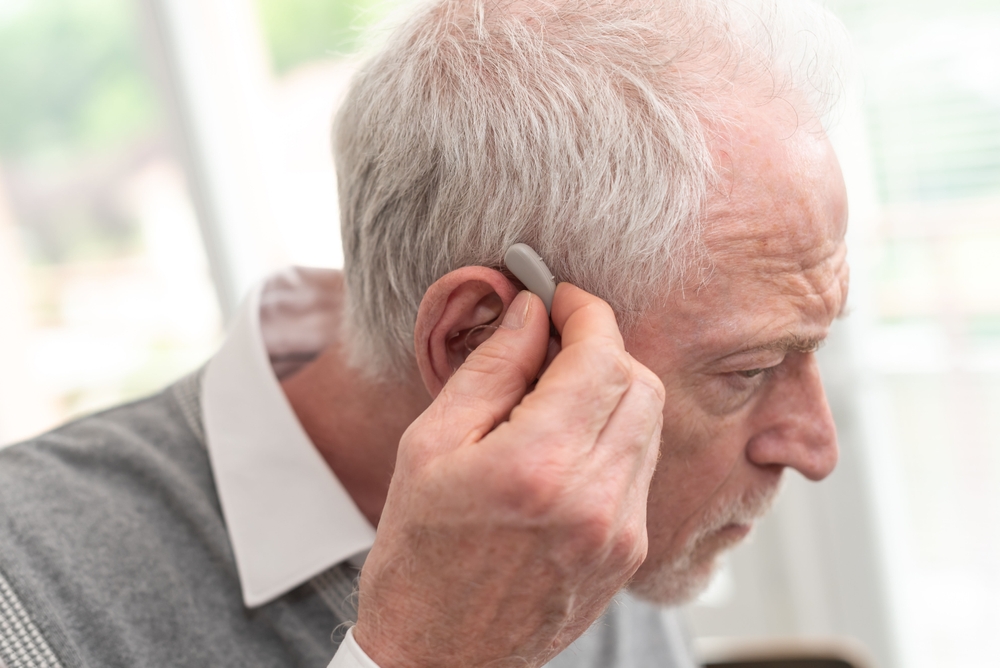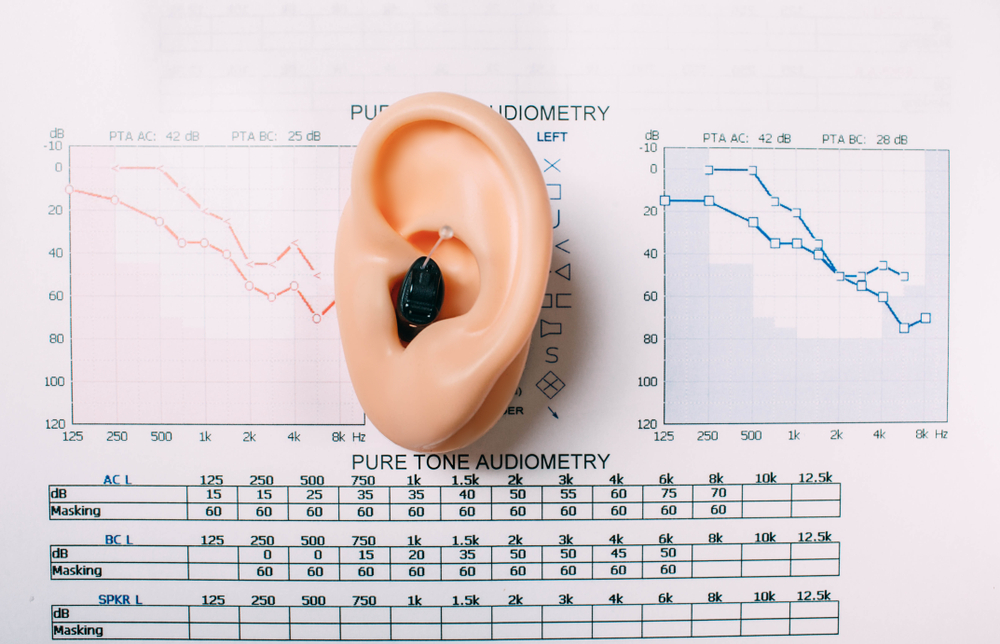

Pairing your Beltone hearing aids is convenient and enables you to access many resources on your iPhone easily. When you link your hearing aids to your iPhone, you will be able to receive calls.
Step By Step Instructions How To Pair Your Beltone Hearing Aids With Apple Device
- Reboot your iPhone.
- Open the battery door of the hearing aids.
- On the iPhone, select the option of Settings, then pick General and then Accessibility
- Pick the option of Hearing Aids.
- Close the battery doors of the hearing aids.
- The phone will search for the hearing aids, and your name and hearing aids will appear under the devices tab.
- If you have two hearing aids, they will both appear as L+R, and if you wear one, the one will appear as either L or R.
- Choose the box with the hearing aids, then click on the option Pair when it comes up.
- For two hearing aids, L+R, the box will pop up two times, and you will Pair them for each hearing aid.
- The two hearing aids will then connect successfully.
Beltone Apps and Features
Some features will make using your Beltone hearing aids very convenient. These hearing aids have high-quality sound when streaming music from your iPhone and when receiving phone calls. The battery is rechargeable, and the battery charge lasts long, which is convenient. When your hearing aids are linked to your iPhone, you can check the battery left in your hearing aids so that you charge them when necessary.
You also have access to Beltone apps, including the HearMax, which helps you find your hearing aids if you have misplaced them. The other app is HearPlus which helps you set your hearing aids, and SmartRemote, which helps control the sound of streaming audio. Tinnitus Calmer is an app that provides sound exercises and therapy to help deal with tinnitus.
Additional Benefits of Beltone Hearing Aids
You have control over what you set on your phone so that you can change either the left or right hearing aid sound levels based on your preference. You can also switch other options on the phone and between programs.
Other features are that you can change programs conveniently in three ways; you can increase and decrease the sound of your hearing aid without changing the sound level of the audio you are streaming. You can also increase or decrease the sound level of each hearing aid separately based on what you would like. You can save your preferred options on Favorites, and if you make adjustments, the previous settings will readjust to the new adjustments, or save those new ones under Favorites. You can have multiple options of your preference on your Favorites. The sound enhancer will enable you to fine-tune the quality of your sound. The options to change are bass, treble, noise reduction, speech focus, and wind noise reduction. This will help you choose your most preferred settings.
Contact Us
For more information on how to connect your Beltone hearing aids and other benefits of using them with your iPhone, please do not hesitate to contact us. We also are available for demos and to answer any questions you may have.
Sources
https://support.apple.com/en-us/HT201466
https://www.beltone.com/en-us/support/apps-support/hearplus-app-support
https://doctear.com/how-to-pair-smartphone-hearing-aid/
https://www.businesswire.com/news/home/20170227005079/en/Beltone-myPAL-Accessories-Win-2017-Edison-Award
https://www.beltone.com/en-us/why-beltone/press-room/2020-big-innovation-award